
Neon city pop
[Verse]
Streetlights flicker on the wet concrete below
Old dreams shimmer where the midnight buses go
[Chorus]
We were electric in the afterglow
Running through a city that refused to slow
 PlayItOut
Describe any idea — a feeling, a memory, a scene — and the AI lyrics generator gives you a full draft with verses, choruses, and bridges in seconds. Edit every line until it sounds right, then turn the finished lyrics into a real song.
Your lyrics will appear here
Generate a draft first, then edit or send it to the AI Music Generator.
Give the tool a mood, a scene, or a half-formed idea. It turns that into verses and choruses you can actually work with.



No musical training required. Describe the song, get a draft, then polish the words or turn them into music.
Write the theme, mood, genre, or scene you want the lyrics to capture. A single sentence is enough — or go detailed with structure and style preferences.
The AI lyrics generator creates a structured draft with labeled verses, choruses, and bridges you can work from immediately — not a wall of unformatted text.
Refine any line in the built-in editor. When the lyrics feel right, copy them out or turn them into a finished song with one click.
Stuck on the first line, writing for a specific genre, or just looking for a fast starting point? This is where the tool helps.
Describe a theme, scene, or feeling and get back structured song lyrics with natural rhyme and rhythm you can actually sing along to, not generic filler.
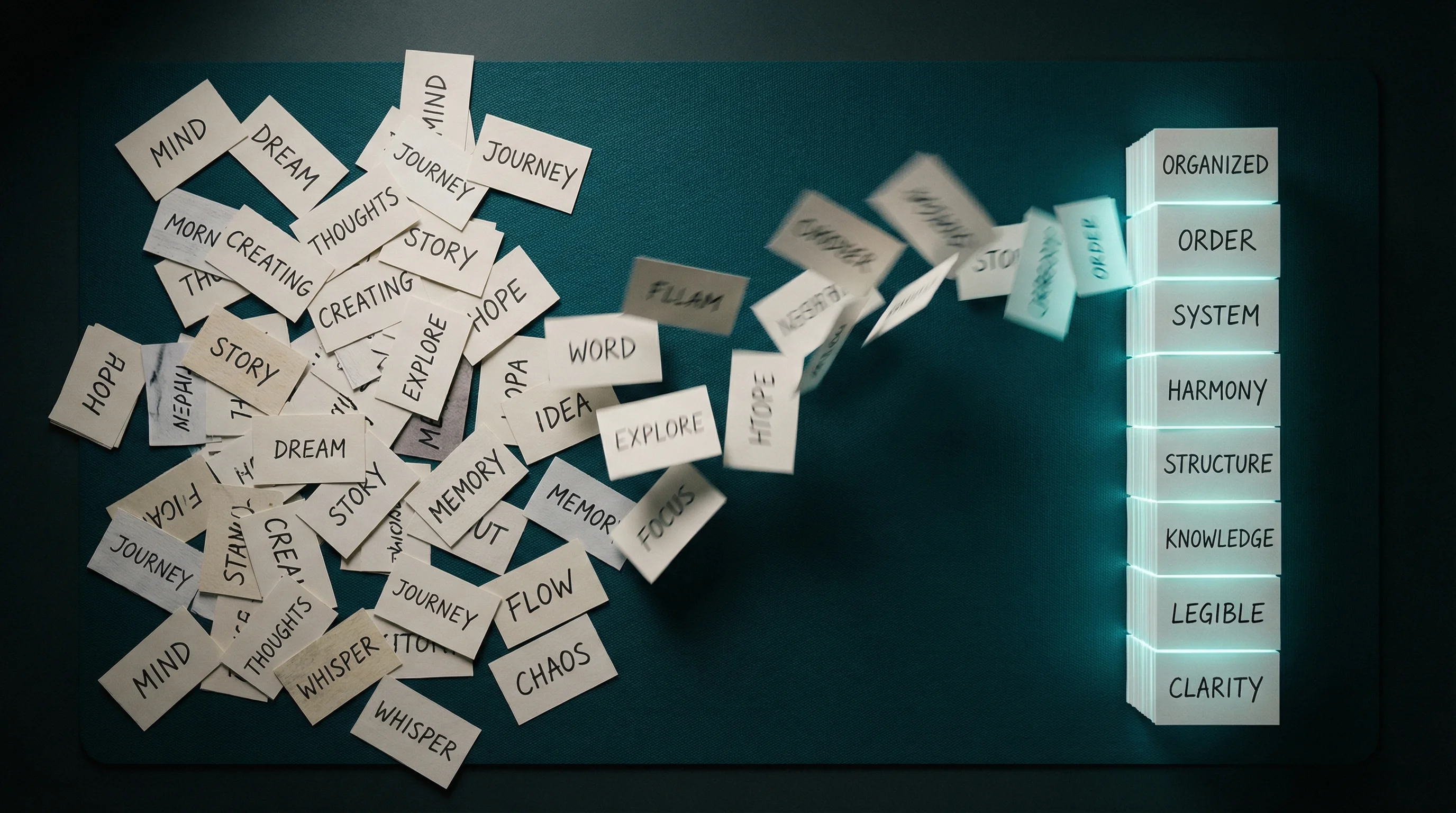
Turn an idea into a full song draft
Want something specific? Set the mood to melancholic, pick verse-chorus-bridge, choose indie folk. Don't need them? Leave everything blank and let the AI surprise you.
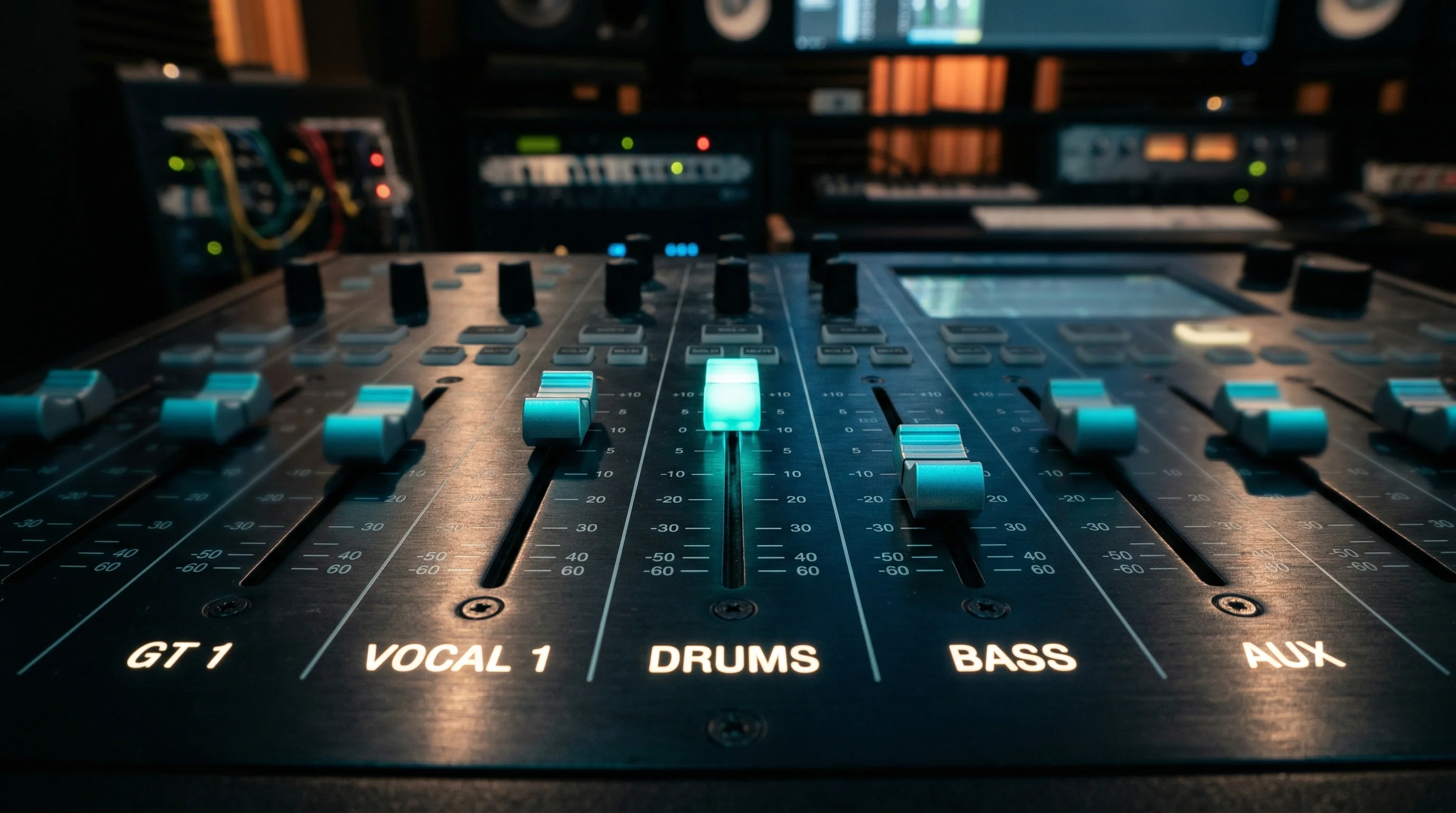
Steer it with mood, structure, and style
The lyrics land in a full editor — fix any line, swap a word, rewrite a whole verse. You stay in control of the final version that goes to music.
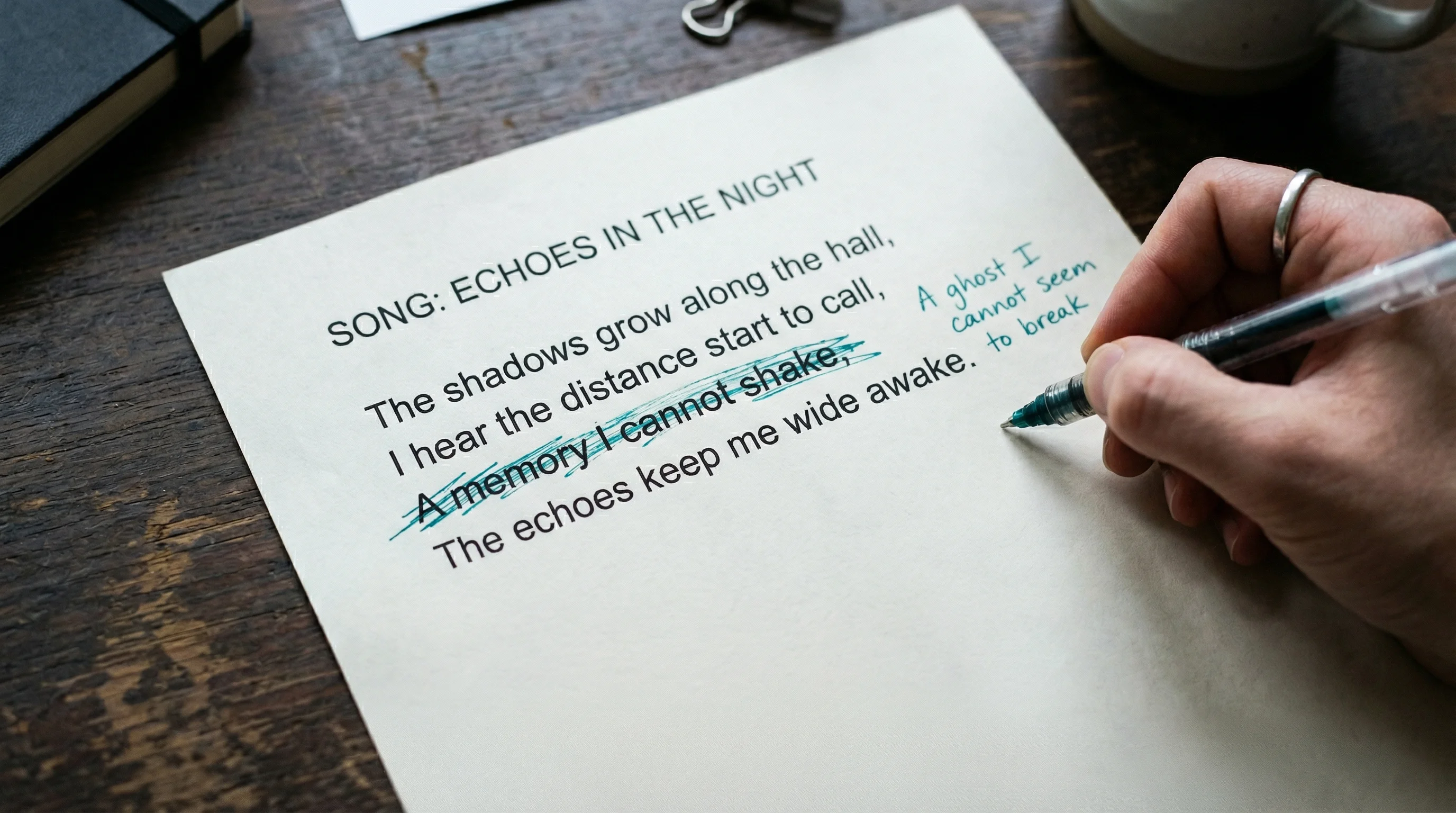
Edit before you commit
When the words are ready, send them straight into the music generator, no copy-pasting between tabs. Your lyrics can become a fully produced track.
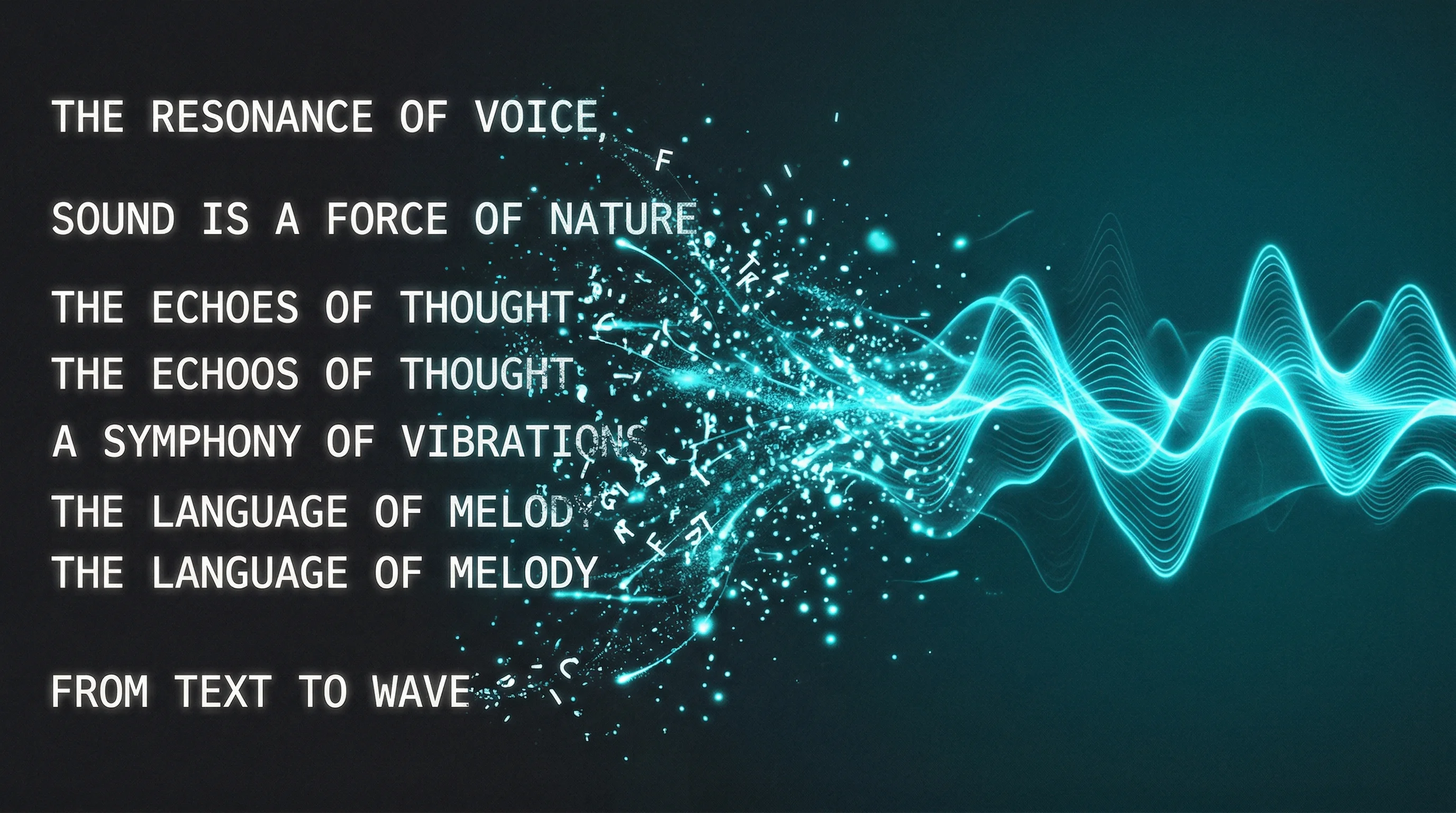
One click from lyrics to music
Songwriters, producers, hobbyists, and content creators all start here for different reasons.
Need something else? Use the contact page and we will route it.
01
It turns a text prompt into editable, structured song lyrics. You describe an idea, mood, or theme, and the AI lyrics generator returns a draft with labeled verses, choruses, and bridges. You can refine the output in the built-in editor and optionally send them into the music flow to make a complete song.
02
Yes. You can generate lyrics for free with your PlayItOut account. Each generation uses credits — new accounts start with free credits so you can try the tool without paying anything.
03
Yes. You can use it as a song lyrics generator for full drafts, not just single lines. The output can include verses, choruses, bridges, hooks, and a structure that is ready to edit.
04
That's exactly what it's built for. Give it a theme, a single sentence, or even just a mood word like 'bittersweet' — and you'll have a full draft to react to instead of staring at nothing. Many songwriters use the AI lyrics generator as a starting scaffold they rewrite on top of.
05
The AI lyrics generator supports pop, R&B, indie folk, hip-hop, and more. You can set the style explicitly or leave it blank and let the AI match the tone of your prompt. The output adapts to the genre — a hip-hop prompt gets a different flow and structure than a folk ballad.
06
Some tools only help with a few lines or loose ideas. PlayItOut gives you a fuller draft, lets you edit the words, and can send the finished lyrics into the AI music generator.
07
Yes. Every draft lands in an editable text area where you can change any line, rewrite a verse, or restructure the whole song. Nothing leaves the lyrics generator until you decide the words are ready.
08
Use generated lyrics as a starting point for your own work. Review, edit, and make the final version your own before publishing, and avoid protected lyrics, real artist names, or trademarked material.
09
The AI lyrics generator currently supports English, Chinese, and Spanish. Select your preferred language before generating, and the AI will write the entire draft in that language while keeping natural phrasing and song structure intact.
10
Yes. You can pick from preset structures like verse-chorus, verse-chorus-bridge, or short hook. If you don't choose one, the AI picks a structure that fits your prompt naturally.
11
Once your lyrics are ready, click 'Use These Lyrics in AI Music Generator' to carry them into the music flow. From there, your words become a full track with vocals, instruments, and production.
Describe the idea, get a draft, then edit or turn it into music.