Stock tracks rarely fit your video
You can spend half an hour searching and still end up forcing your edit around a track that was never made for your video.
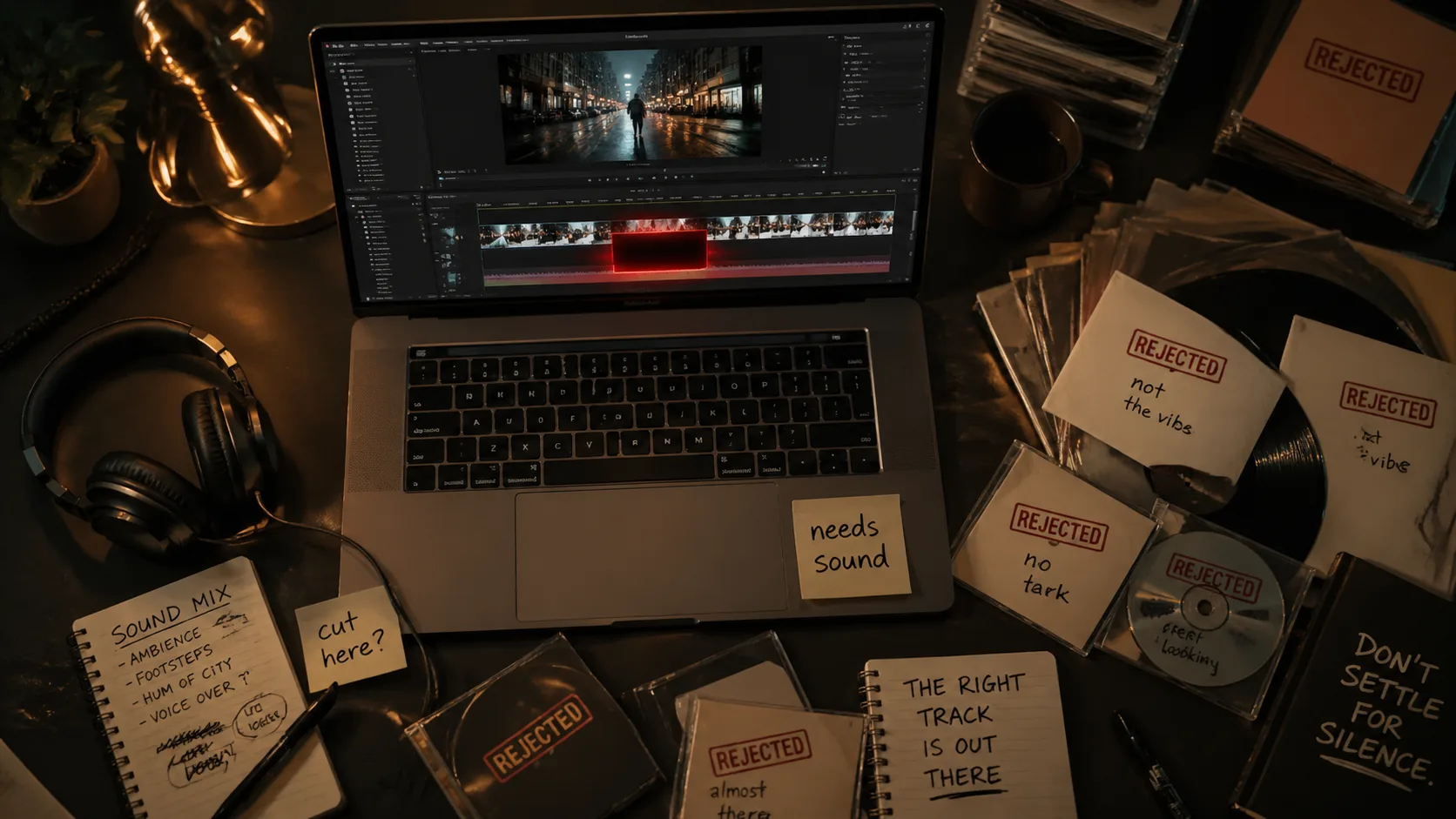
Stock tracks rarely fit your video
 PlayItOut
Create royalty-free background music, intros, outros, and custom tracks for your YouTube videos.
Costs 2 credits
No Song Generated
YouTube creators need music that fits the video, stays out of the way of narration, and is clearly safe to use. Random free tracks, overused stock music, and unclear licenses make that harder than it should be.
You can spend half an hour searching and still end up forcing your edit around a track that was never made for your video.
Stock tracks rarely fit your video
Tutorials, reviews, and commentary videos usually need instrumental music that supports the speaker instead of competing with them.
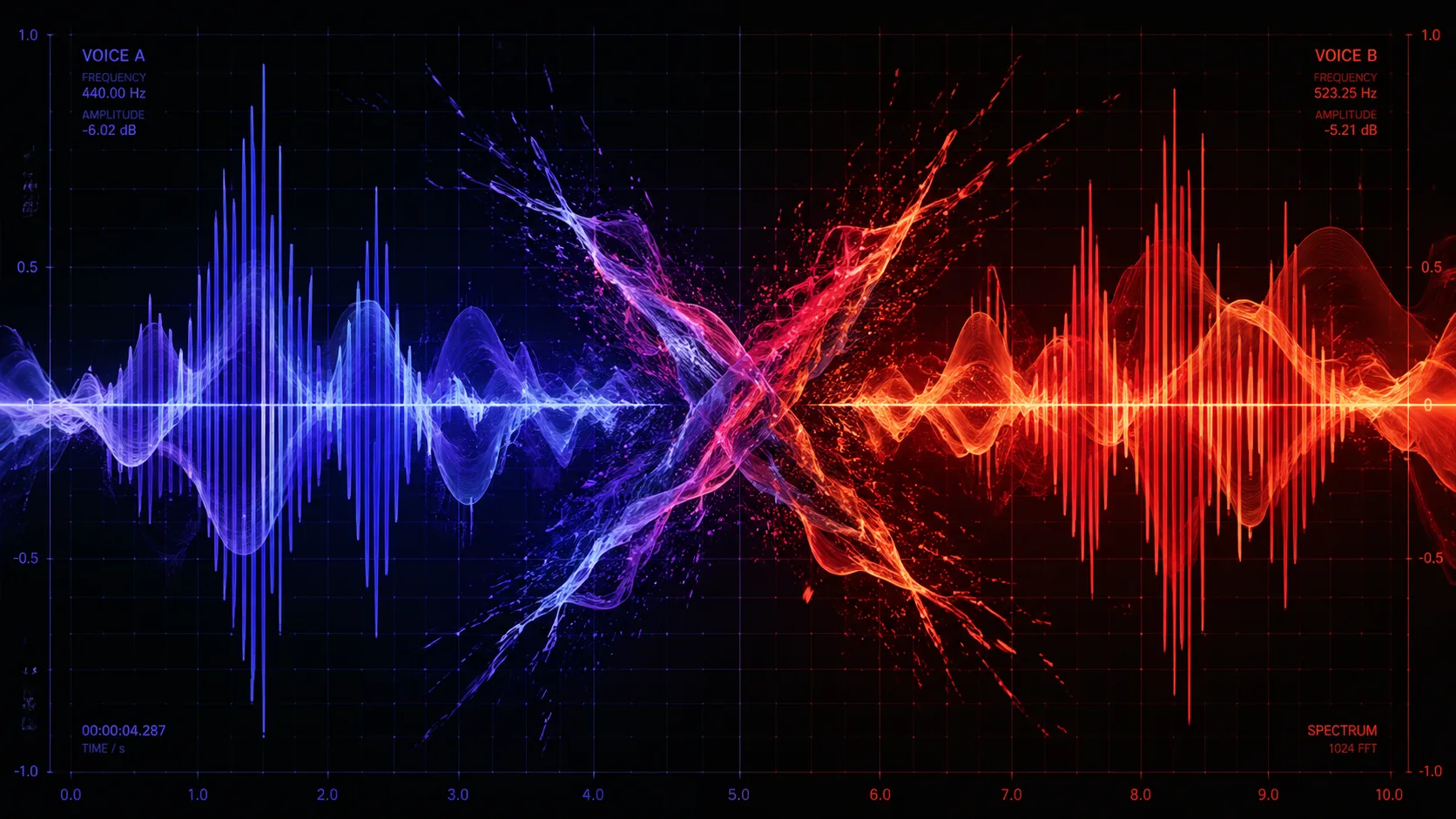
Vocals fight the voiceover
Creators worry about Content ID claims, old uploads, monetization, and whether a track that says free today will stay safe later.

Copyright anxiety is real
Tell us what the music should do in your video, then generate a track that fits.
Tell PlayItOut whether you are making a tutorial, vlog, gaming highlight, story video, podcast clip, Short, intro, or outro.
Pick whether the track is for background music, an intro, a transition, a highlight reel, an outro, or an emotional moment.
Set your narration level to keep vocals, distracting melodies, and loud peaks out of tracks that sit under speech.
Create a candidate track, drop it into your editor, adjust the level, and regenerate when the pacing does not fit.
Each video format needs different music. Pick yours and we'll handle the rest.
PlayItOut helps you generate original tracks for your videos and keep a simple note with the track, description, and generation date. That does not replace legal advice, but it gives you a cleaner record than a random download with unclear terms.
Create music around your video instead of reusing the same public library track that thousands of channels may already use.

Generate a unique track
We automatically steer the generator away from copying specific artists, songs, or recognizable melodies.

Built-in copyright guardrails
Save the generated track title, description, date, and video purpose so you have a record when you upload.
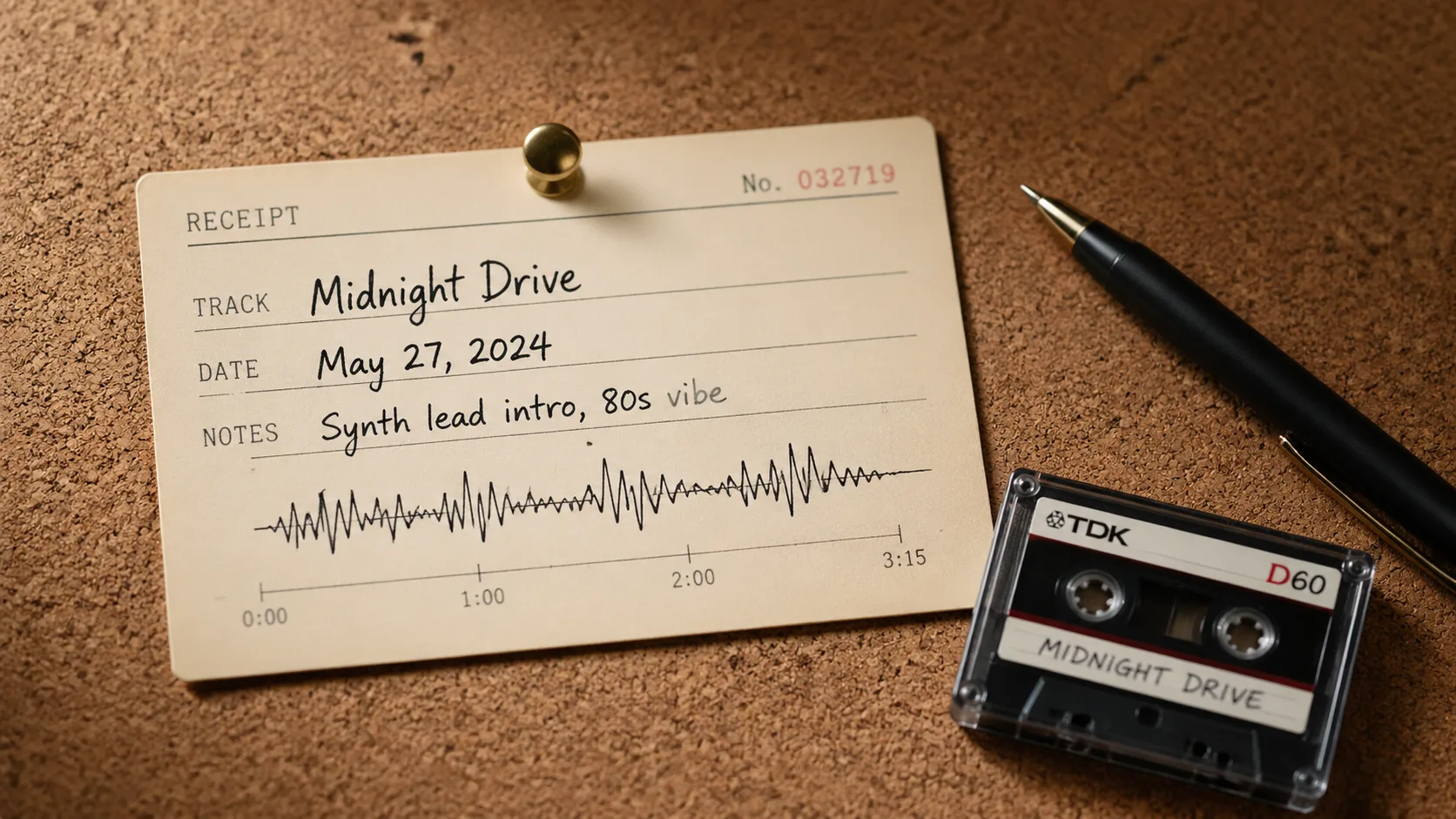
Keep a usage note
Practical answers for creators using AI-generated music in YouTube videos.
01
Yes, for evaluation on the free plan and for publishing when the track was generated while your paid plan or paid credits were active. Keep the track, description, generation date, and license details with your project so you always know where your music came from.
02
Usually no. If your video has narration, commentary, reviews, tutorials, or podcast audio, instrumental music is safer for the edit because vocals compete with speech. Vocals may work for channel intros, outros, or music-focused content when they are intentional.
03
A Content ID claim is an automated match against YouTube's Content ID system and usually affects one video. A copyright strike comes from a valid copyright removal request and is more serious for the channel. Generating original tracks with clear records can reduce match risk compared with reusing existing songs from unclear sources.
04
Yes, for tracks generated while your paid plan or paid credits are active, as long as your video follows YouTube's monetization policies. Free-plan outputs are for personal evaluation only.
05
Use instrumental tracks with steady pacing, low or medium energy, soft drums, warm keys, ambient textures, and no distracting melody. The music should make silence feel intentional without pulling attention away from the speaker.
06
Set the music to intro or outro, raise the energy, and use a stronger hook. For channel branding, keep the sound short, memorable, and consistent across uploads.
07
It depends on the tool and license. With PlayItOut, check the license that comes with your account and keep a copy of the terms with your generated track. The goal is simple: know who generated the music, when it was created, and what rights you have before you publish.

Pick where the music goes in your video, generate a track, and drop it into your edit.