Lo-fi for a YouTube intro
Warm keys layered over soft drums with a relaxed, easy-going pacing that works for vlogs and tutorials.
Lo-fiYouTubeIntro
Lo-fi for a YouTube intro
0:000:00
 PlayItOut
A free AI music generator that turns text to music in seconds. Describe a mood, scene, or style, then generate a song you can use right away.
No Song Generated
Real tracks generated by PlayItOut — preview the output quality and range across different genres before you create your own.
Warm keys layered over soft drums with a relaxed, easy-going pacing that works for vlogs and tutorials.
Bright rhythm with a clean build — short, branded energy that sets the tone without overstaying.
Modern pulse with building tension and a polished finish — designed for product videos and brand ads.
Punchy drums over deep bass with confident swagger — ready for social promos and short-form edits.
The AI music generator keeps the text to music workflow short — describe, generate, download.
Write the mood, genre, tempo, scene, or project context in plain language.
The AI music generator creates the song in seconds. Preview the output as soon as it is ready.
Export the finished audio for evaluation, then upgrade when a project needs commercial publishing rights.
Concrete capabilities you interact with inside the generator — with the artwork to make each control legible at a glance.
Start with a one-line prompt in Simple mode and the AI music generator picks style, structure, and lyrics automatically. Switch to Custom mode when you want title, style, lyrics, and tighter direction.
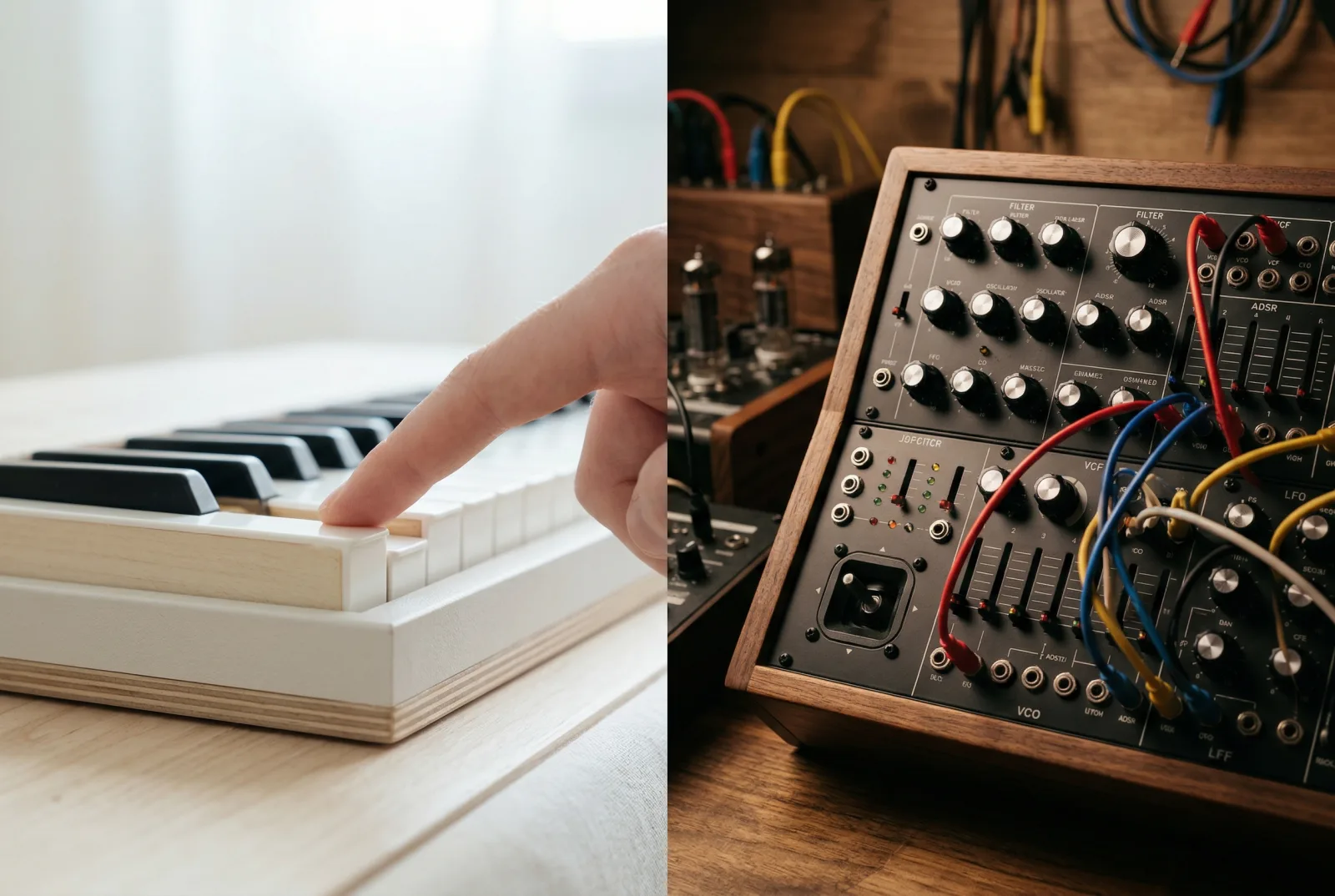
Simple mode and custom mode
Let the AI music generator draft lyrics for a faster first pass, or paste your own words when you already know what the song should say.

AI lyrics or paste your own
Turn off vocals when you need clean background music, underscore, or ambient audio without a vocal line competing for attention.

Instrumental toggle
Move across rap, lo-fi, pop, rock, jazz, EDM, R&B, blues, cinematic, ambient, synthwave, drill, and folk without rebuilding your workflow from scratch.

Multiple genres and styles
See where the workflow difference shows up when you compare PlayItOut's AI music generator to traditional stock music services.
Other Tools
Browse and filter thousands of existing tracks hoping one fits your project.
PlayItOut
Describe what you need and the AI music generator creates it in seconds.
Other Tools
Every track is shared with other buyers — your content sounds like everyone else's.
PlayItOut
Every track is unique to your prompt. No other project uses the same audio.
Other Tools
Read license terms, check usage limits, and manage renewals per track.
PlayItOut
Free outputs are for personal evaluation. Paid plans and paid credits unlock a commercial use license for tracks generated while paid access is active.
Other Tools
Start the search over if the first track does not fit.
PlayItOut
Adjust the prompt and regenerate a new direction in seconds.
Other Tools
Pay per download or maintain an ongoing subscription for access.
PlayItOut
Generate tracks on a simple credit system with a free tier to start.
Need something else? Use the contact page and we will route it.
01
PlayItOut's AI music generator turns plain text into complete, ready-to-use audio tracks. You describe a mood, genre, or scene in your own words, and the generator produces a finished song in seconds — with vocals or instrumental only. Every output is downloadable. Free-plan outputs are for personal evaluation only. Tracks generated while a paid plan or paid credits are active include a commercial use license.
02
No. The AI music generator is designed for non-musicians. Describe the sound you want in everyday language — a vibe, a genre, a tempo, a scene — and the generator handles composition, arrangement, and production automatically. No instruments, no DAW, no music theory, and no audio engineering experience required.
03
The generator supports dozens of styles including lo-fi, pop, hip-hop, rock, jazz, EDM, R&B, blues, cinematic, ambient, synthwave, drill, folk, country, and afrobeats. You can also describe a custom mood or energy level, and the AI adapts to match your direction rather than limiting you to preset templates.
04
Most tracks are ready in under 30 seconds. You write the prompt, the AI music generator produces the audio, and you can preview and download immediately. There is no rendering queue, no post-processing step, and no manual review — the output is ready the moment generation completes.
05
Yes to both. Let the AI draft lyrics that match your chosen mood and genre for a faster first pass, or paste your own words when you already know what the song should say. You can also toggle instrumental mode to skip vocals entirely when you need clean background music.
06
Yes. Toggle the instrumental option and the AI music generator produces a vocal-free track — useful for background music, video underscore, podcast beds, ambient audio, and game soundtracks. You get the same genre range and output quality without a vocal line competing for attention in your mix.
07
You get a downloadable audio file ready to test in your video editor, podcast host, ad platform, or any other tool in your workflow. Free-plan outputs are for personal evaluation. Upgrade to a paid plan or paid credits before using generated tracks in published or commercial projects.
Write the idea, generate the music, and get back to the rest of your project.