The track has to fit the moment
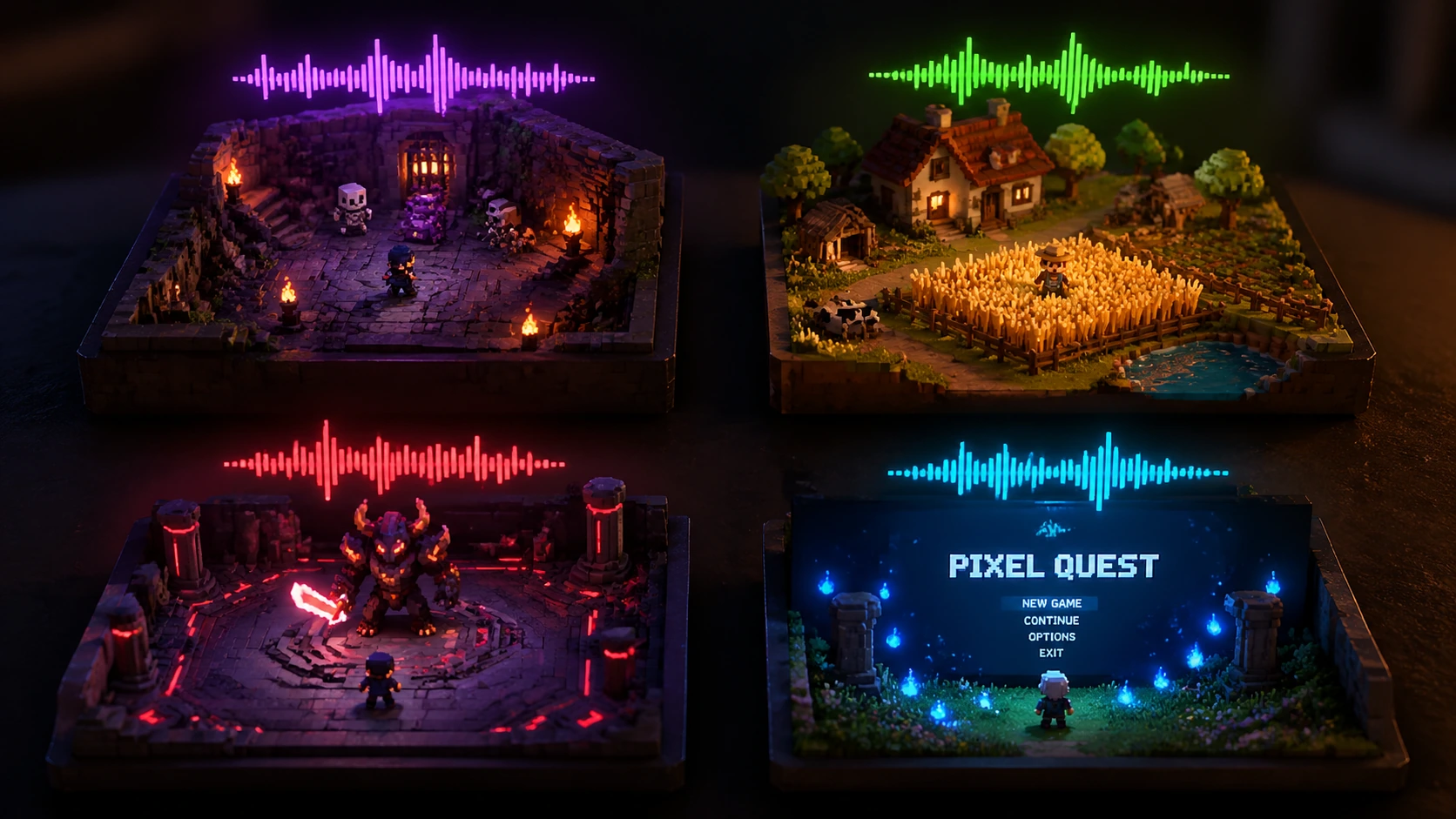
A dungeon, menu, boss fight, and cozy farming loop all need different pacing, mood, and energy.
The track has to fit the moment
 PlayItOut
Create royalty-free AI game music for levels, menus, boss fights, trailers, and game jams.
Costs 2 credits
No Song Generated
Indie teams need tracks that match a real scene, stay clear of recognizable game themes, and are quick enough to test inside a build.
A dungeon, menu, boss fight, and cozy farming loop all need different pacing, mood, and energy.
The track has to fit the moment
You may know the scene but still struggle to turn it into a useful music brief.
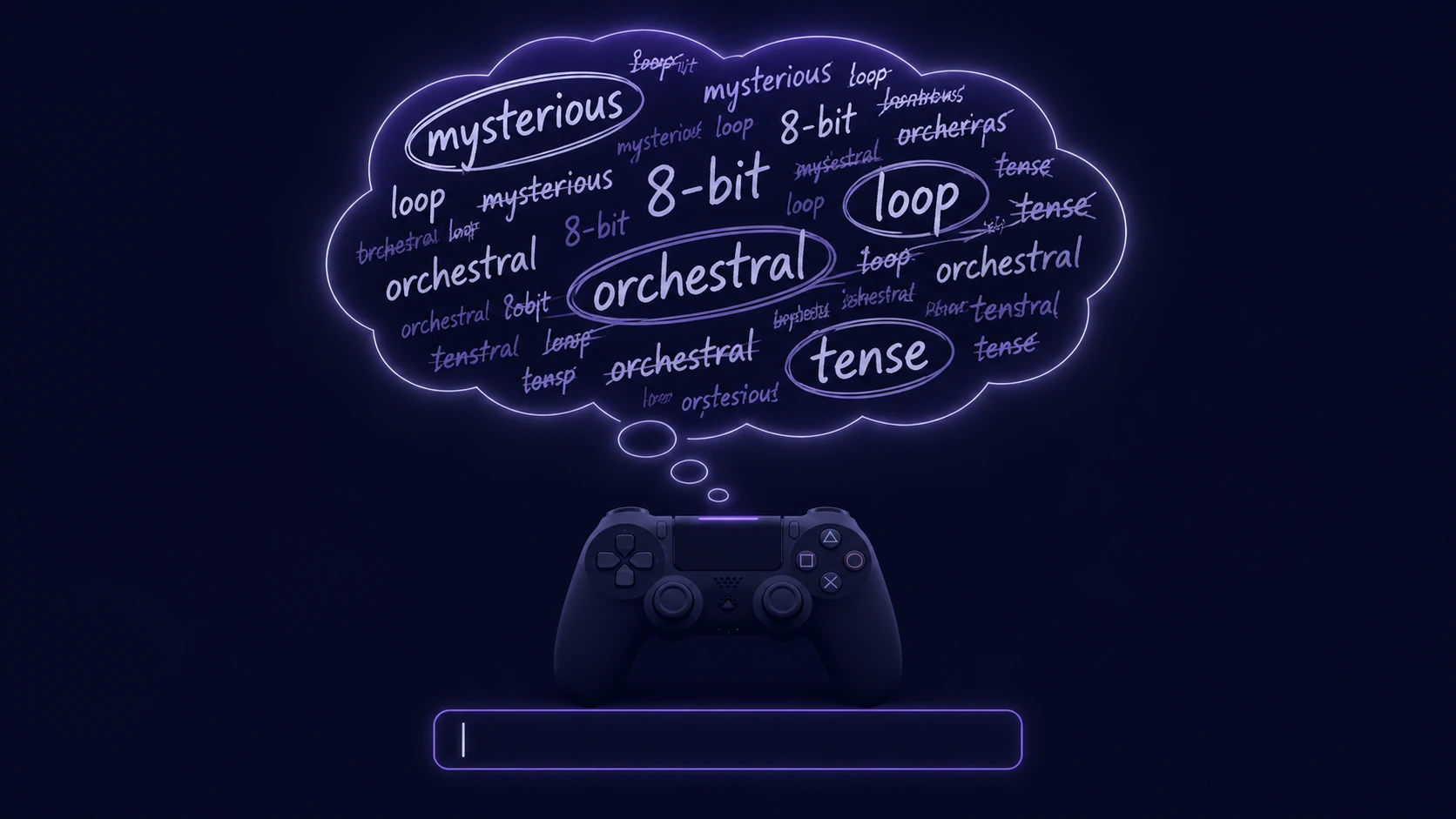
Game prompts are hard to write
Using familiar franchise references or famous-song prompts creates a mess before the game even ships.
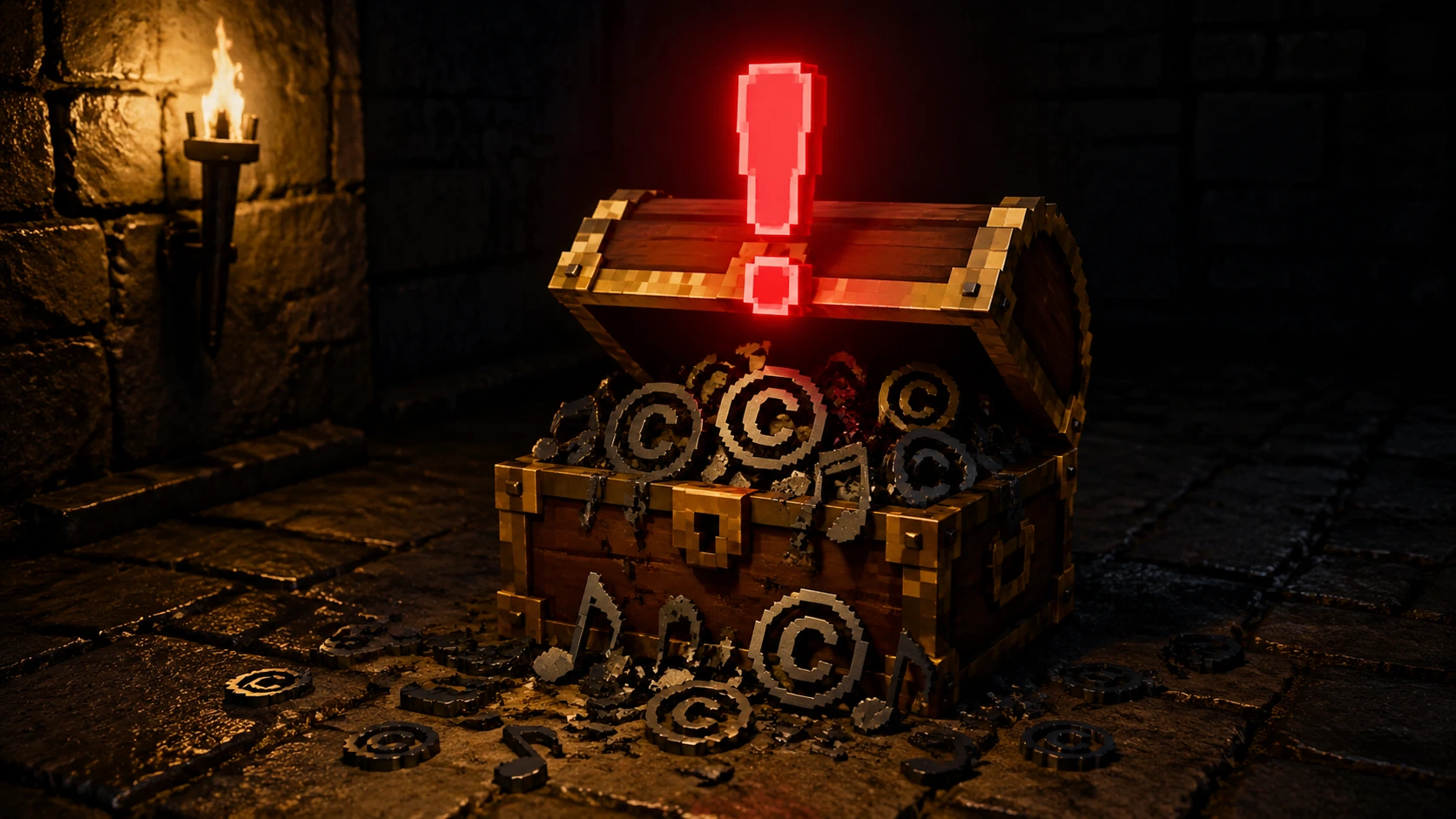
Copyright confusion gets risky
Turn the game scene into a structured prompt, generate a track, then test it in your project.
Start with the world: fantasy RPG, platformer, horror, sci-fi, puzzle, cozy, action, or visual novel.
Tell PlayItOut whether the music is for a menu, exploration, battle, boss fight, dungeon, victory cue, trailer, or cutscene.
Use guided fields for energy, instrumentation, and loop-ready pacing instead of guessing the perfect prompt.
Download a candidate track, drop it into your game or trailer timeline, and regenerate when the feel is off.
Start from the part of the game that needs music today.
Tell the generator what the player is doing, what the scene should feel like, and what to avoid.
Use concrete cues like exploration, boss fight, main menu, dungeon, cutscene, or victory.
Name the player moment
Pick instrumentation and energy so the music supports gameplay instead of covering sound effects or dialogue.
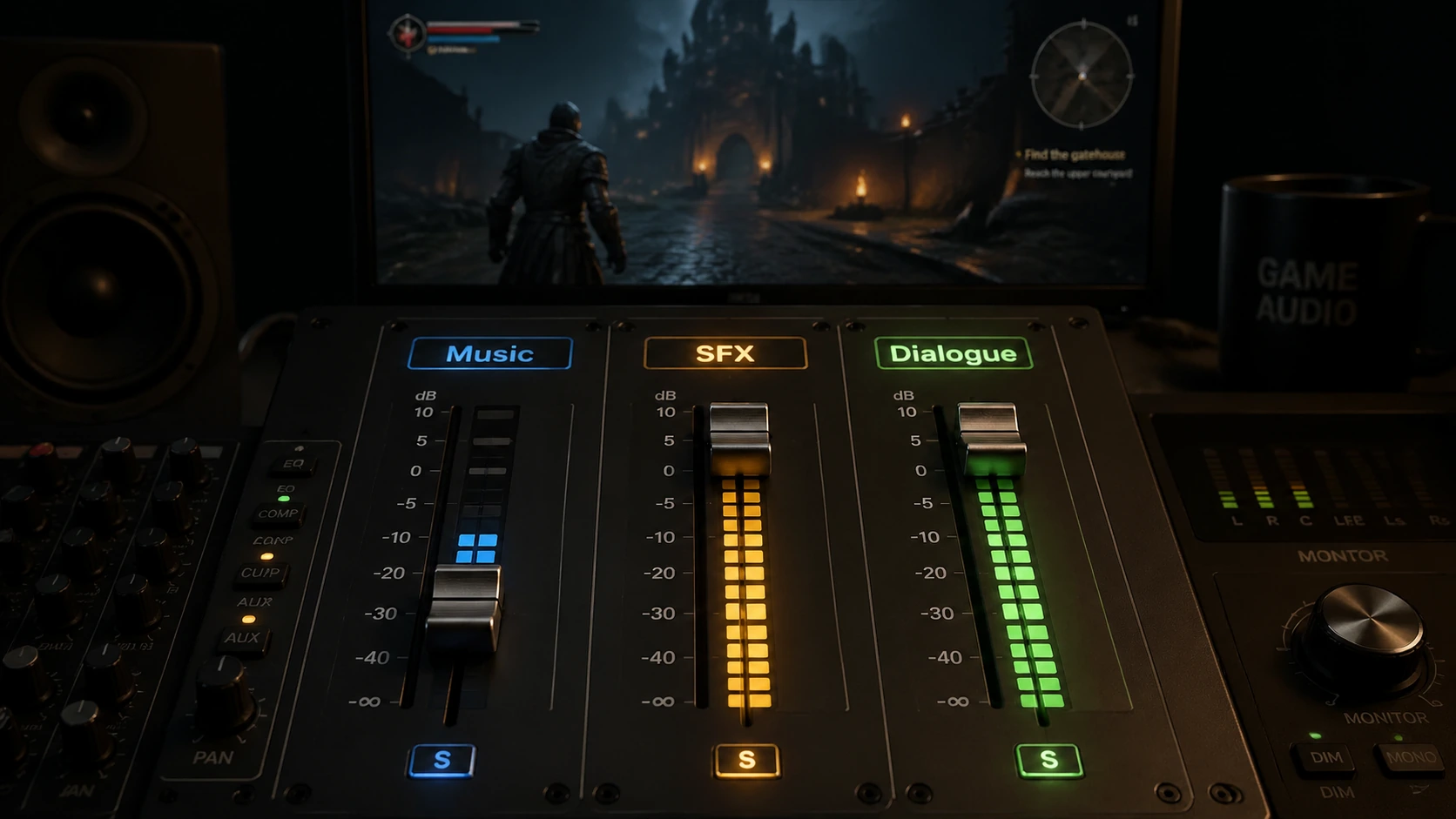
Control the mix
Describe mood and style. Do not ask for a specific composer, franchise theme, or recognizable melody.
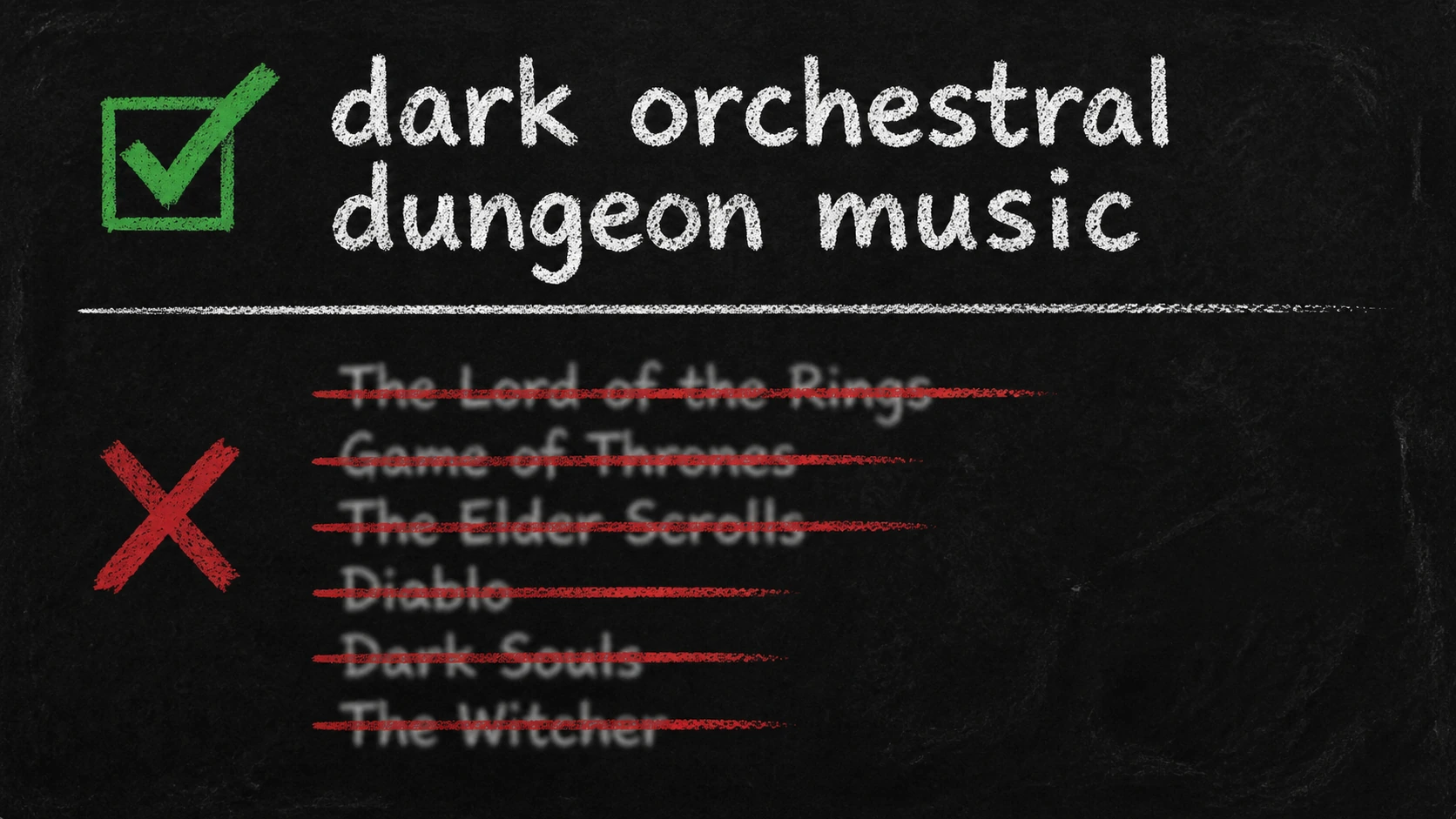
Avoid famous references
PlayItOut creates original tracks from your scene brief and saves a simple usage note with the prompt, date, and generated track title. That is not legal advice, but it is cleaner than a random file with unclear origin.
Create music for your own level, trailer, menu, or prototype instead of hunting through overused stock tracks.
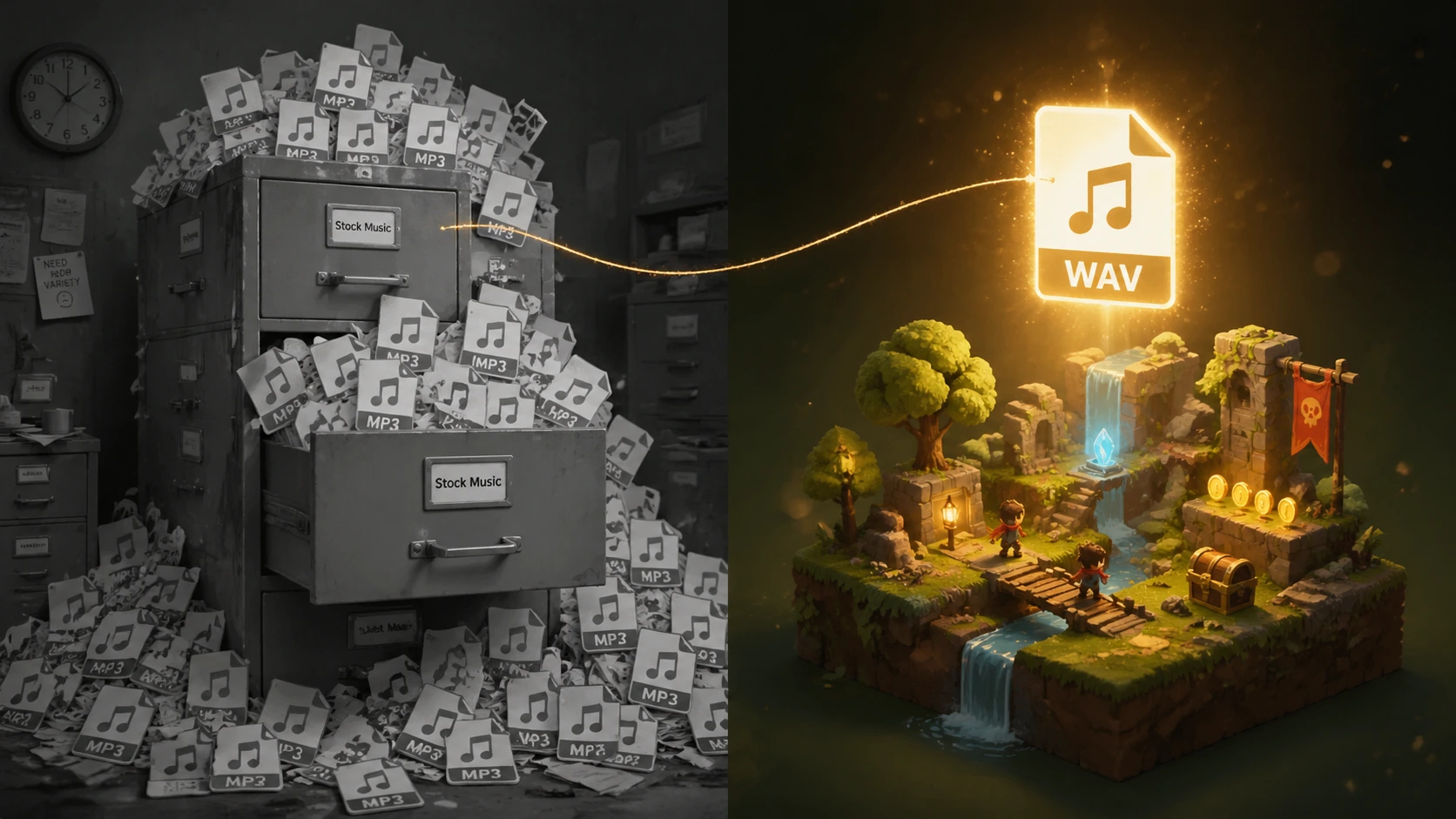
Generate around your scene
The wrapper steers prompts away from famous artists, copyrighted melodies, and specific game franchise themes.
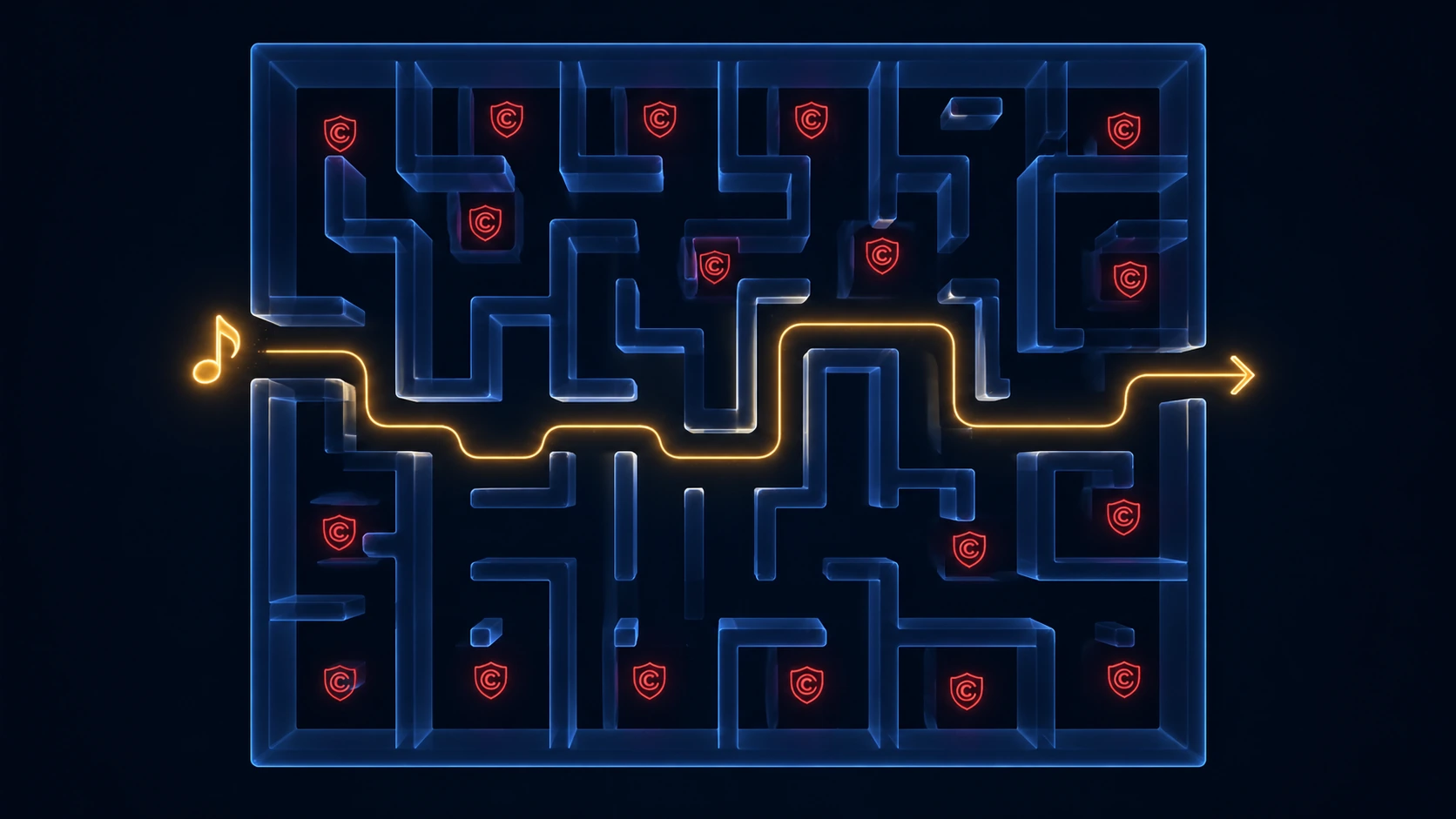
Use built-in guardrails
Keep the generated track title, date, and prompt with your project files for future review.
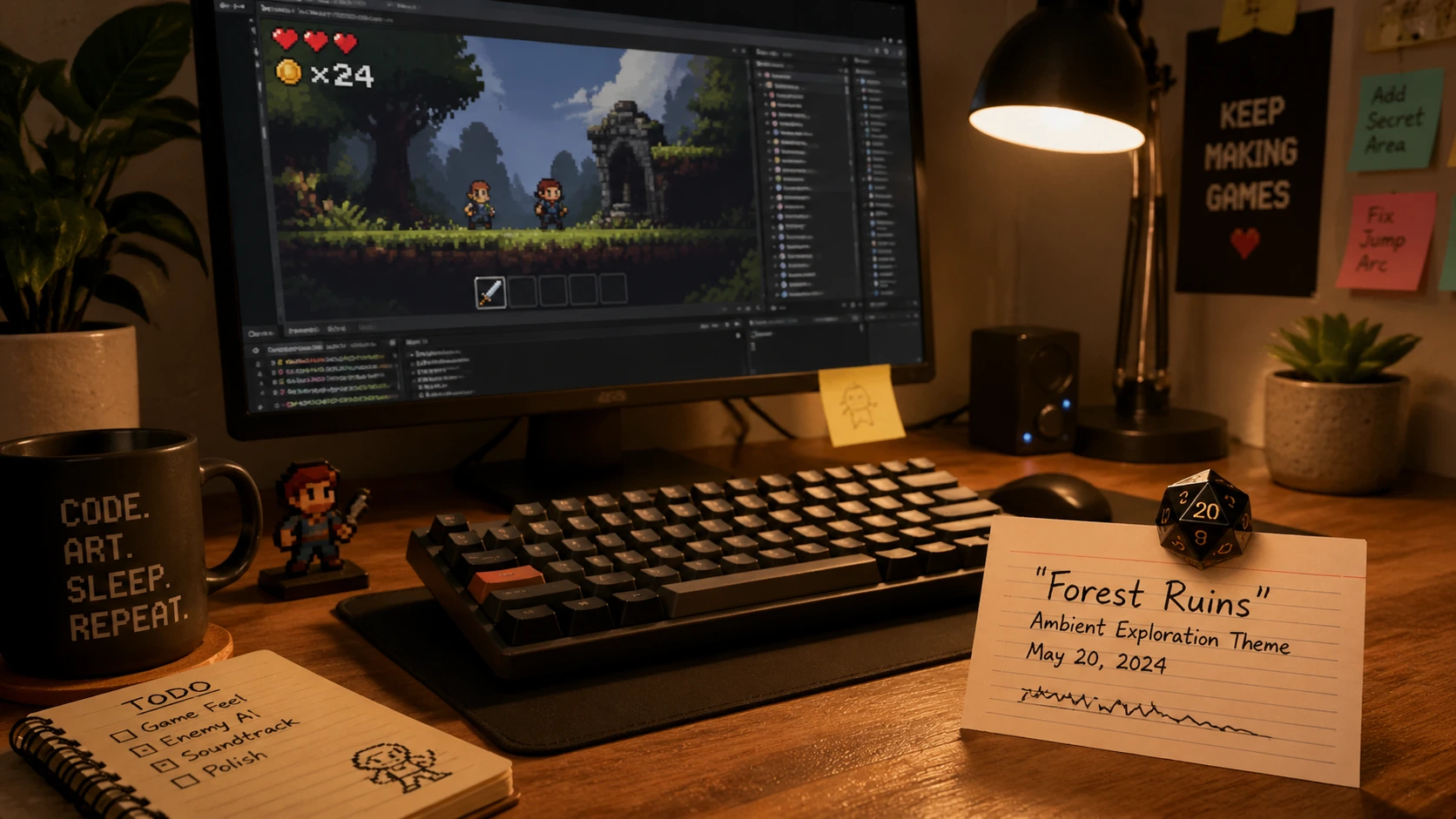
Save the usage note
Practical answers for developers using AI-generated music in game projects.
01
Yes, if the track was generated while your paid plan or paid credits were active and your use follows the Terms. Keep your license terms, prompt, generation date, and track files with the project.
02
No. This page creates downloadable music tracks for scenes, menus, trailers, and prototypes. Adaptive stems, middleware integration, and guaranteed seamless loops are separate product capabilities.
03
Name the game type, scene, player emotion, energy, style, instrumentation, and anything to avoid. For example: peaceful orchestral exploration music for a fantasy RPG town, loop-ready, no vocals, no famous game references.
04
Yes. Choose chiptune in Guided mode or add 8-bit chiptune in Write Your Own mode when you want a retro arcade or platformer sound.
05
Yes. Choose boss fight, raise the energy, and use tense, epic, dark, or action-focused wording. Test the result against your gameplay timing before shipping it.
06
Usually no. Instrumental music is safer for gameplay because it leaves room for sound effects, dialogue, and player focus. Vocals may work for trailers or cutscenes when they are intentional.
Pick the scene, shape the mood, generate a track, and test it in your build.